DDEV Snapshots: Checkpoints, Restores, and Seeded Databases

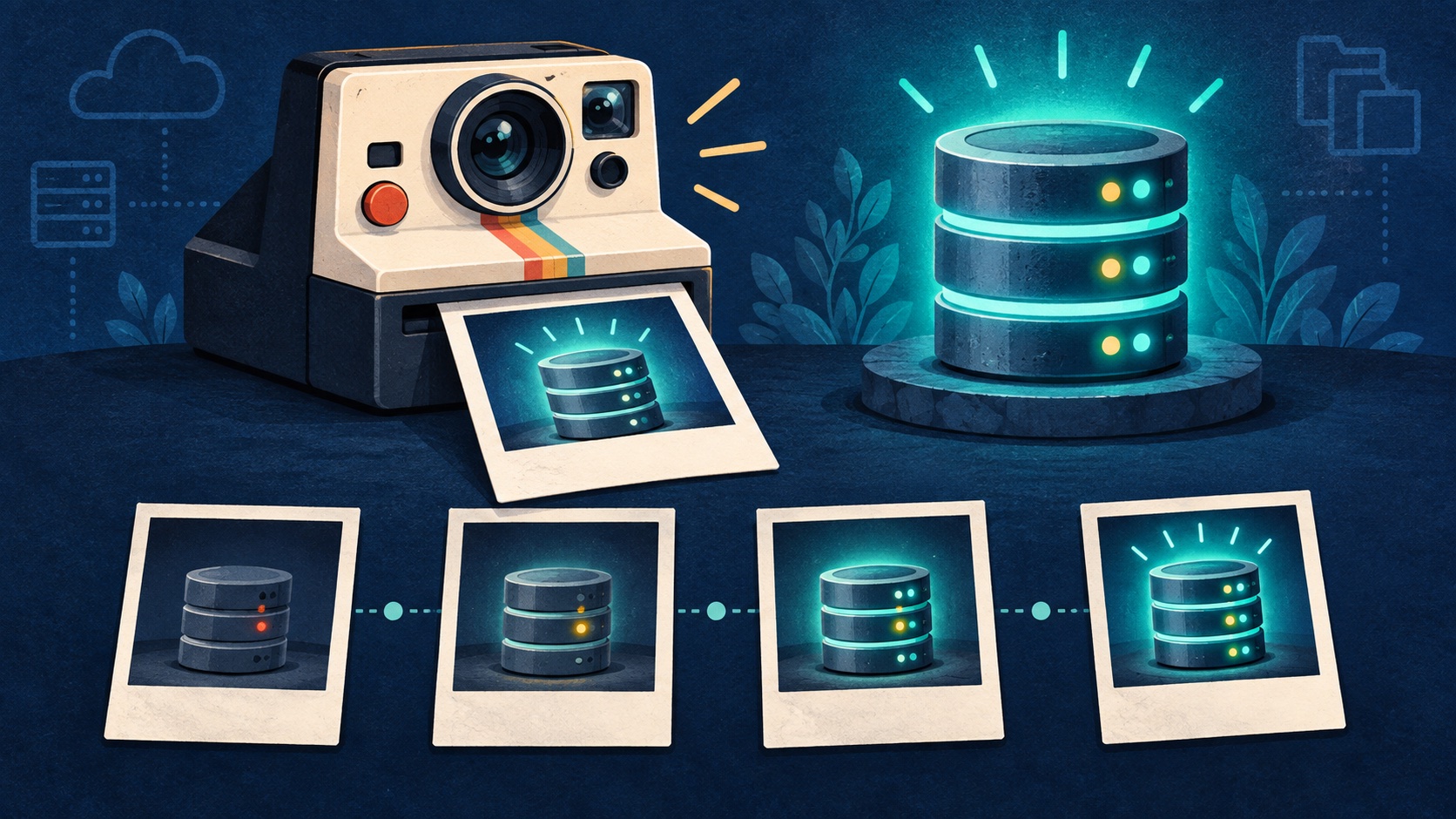
Snapshots have been a beloved feature of DDEV for years, but in v1.25.4 there is so much more.
Read on (or watch, or both) to see:
- Basic use of snapshots
- Use of a
seedsnapshot to automatically provide content to a project on first start - Committing a seed snapshot into a Git repository
- Starting/restarting with a seed snapshot
- Embedding a snapshot (usually for huge databases) into a custom database image
Table of Contents
- Screencast showing new and old features of snapshots
- Snapshots are easy!
- Core Commands
- Snapshots as Migration Checkpoints
- The
seedSnapshot - Seeding New Projects with
--seed-snapshot - Seed Snapshots +
--reset-database - Building a Seeded Database Image
- Using a Seeded Image via
dbimage: - Examples and resources
Screencast showing new and old features of snapshots
Snapshots are easy!
A DDEV snapshot is a physical, “hot” backup of your database — mariadb-backup/xtrabackup for MariaDB and MySQL, or pg_basebackup for Postgres — not a text-based mysqldump. Because it copies the database’s on-disk files instead of dumping SQL statements, it’s much faster to create and restore, especially on large databases. All the basics about snapshots are in the docs.
Normally snapshots live in .ddev/db_snapshots/, and the filename encodes the database type and version, for example mariadb_11.8. That’s why a snapshot only restores against a matching engine and version — restoring a mariadb_11.8 snapshot into a mariadb_10.11 project will fail.
Snapshots are compressed with zstd by default. --uncompressed skips the decompression step on restore, trading a much larger file on disk for a faster restore. Postgres doesn’t support uncompressed snapshots.
Core Commands
ddev snapshot --name=<name>— create a snapshotddev snapshot restore— opens a TUI allowing you to select snapshot to restoreddev snapshot restore <name>— restore a named snapshotddev snapshot restore --latest— restore the most recent snapshotddev snapshot restore $HOME/tmp/mysnapshot-mariadb_11.8.zst— restore from an arbitrary path, not from the default.ddev/db_snapshots/ddev snapshot --list(-l) — table of snapshot name, created date, size, database version, and compression; shows a Worktree column when relevantddev snapshot --cleanup(-C) — delete one snapshot (--name=<name>) or all of them (prompts for confirmation unless-y)ddev snapshot --all(-a) — snapshot all projects (automatically starts stopped projects to accomplish this)
If your project has multiple Git worktrees, snapshots taken from other worktrees of the same repository are available too — by name, with --latest, or through the interactive list.
Snapshots as Migration Checkpoints
Take a snapshot before each step of a migration or update: ddev snapshot --name=pre-migration-step3. If a step breaks something, restore the last good snapshot instead of restarting the migration from scratch. (ddev snapshot restore --latest can be a great technique if you do this religiously.)
ddev snapshot --list becomes a log of checkpoints, and ddev snapshot restore <name> or restore --latest jumps back to any of them instantly.
This builds on the workflow described in DDEV Database Management: snapshot, ddev restart --reset-database, restore. It’s also a natural lead-in to seeding a new database volume directly from a snapshot, covered next.
The seed Snapshot
DDEV projects have always automatically created a database named db to help you get started fast. But it’s been an empty database, with no content. Now, in DDEV v1.25.4+, the seed snapshot has been added. You can create a snapshot named seed (with whatever content you want) and when somebody starts up a project for the first time, the content on the seed snapshot will automatically be loaded. You can even check the snapshot named seed into your Git repository if you don’t object to its size, and it can help folks new to the project to get started that much faster. (The seed snapshot is only used when there is no database; your changes to the database are kept as always.)
To add the seed snapshot to Git:
git add -f .ddev/db_snapshots/seed-*
git commit -m "Add default seed db for clean startup"
Seeding New Projects with --seed-snapshot
If you want to start a project with an alternate seed snapshot, ddev start and ddev restart accept --seed-snapshot=<name-or-path>, which seeds the database volume from a snapshot instead of the stock seed database. This only applies when there’s no existing database — DDEV errors otherwise, telling you to add --reset-database or use ddev snapshot restore.
<name-or-path> can be a short name from .ddev/db_snapshots/ or a full path:
ddev start --seed-snapshot=$HOME/tmp/mysnapshot-mariadb_11.8.zstThis works for every database type DDEV supports, unlike the baked-dbimage technique below, which is MariaDB/MySQL-only — it’s restored the same way ddev snapshot restore does, just at volume-creation time.
Combine --seed-snapshot with --reset-database to reseed an existing project in one step:
ddev restart --reset-database --seed-snapshot=<name> -Oy-O (--omit-snapshot) skips the automatic snapshot save of the database being thrown away, and -y skips the confirmation prompt.
This is the lightweight alternative to baking a seeded database image: no custom image or registry, just a snapshot file — good for local or small-team use where a shared registry is overkill.
Seed Snapshots + --reset-database
Once you have a seed snapshot, ddev restart --reset-database -Oy repeatedly returns the project to that known-good state — handy between test runs.
Building a Seeded Database Image
You can also create a replacement database image that has an alternate seed database built into it. This is especially great for delivering huge databases, as the process can be handled by the image, or an upstream process. All the image building does is copy a base_db.zst or base_db.mbstream into the /mysqlbase/custom directory of the DB image.
For teams that want to share a ready-to-go database via a Docker image registry instead of a snapshot file, build-and-push-seeded-image.sh is an example that builds a real multi-arch (linux/AMD64, linux/ARM64) image with a snapshot baked in:
build-and-push-seeded-image.sh --snapshot=uncompressed-2g \
  --output-image=randyfay/uncompressed-2g:v1.25.4 --push \
  --base-image=ddev/ddev-dbserver-mariadb-11.8:v1.25.4
This technique relies on mariadb-backup/xtrabackup, so it doesn’t support Postgres.
Uncompressed seeds make for a much larger image and a slower push, but a faster, decompress-free container startup. It’s worth comparing the actual image sizes to see the bandwidth cost of each trade-off.
Using a Seeded Image via dbimage:
Point a project at the seeded image using dbimage in .ddev/config.yaml (or .ddev/config.local.yaml):
# .ddev/config.yaml or .ddev/config.db.yaml or .ddev/config.local.yaml
# Example dbimage
dbimage: randyfay/uncompressed-2g:v1.25.4
Then:
ddev restart --reset-database --omit-snapshot -yExamples and resources
- Some example images with seeds built into them
- uncompressed 2GB databases: https://hub.docker.com/r/randyfay/uncompressed-2g/tags
- compressed 2GB databases: https://hub.docker.com/r/randyfay/compressed-2g/tags
- MySQL 9.7 databases: https://hub.docker.com/r/randyfay/mysql-97-tagbase/tags
- Example image builder build-and-push-seeded-image.sh
- Example invocation:
build-and-push-seeded-image.sh --snapshot=seed --output-image=randyfay/d11_normal:v1.25.4 --push --base-image=ddev/ddev-dbserver-mariadb-11.8:v1.25.4
This article was edited and refined with assistance from Claude Code.